Sending your funds to your new Self-Custody Wallet only takes a few minutes.
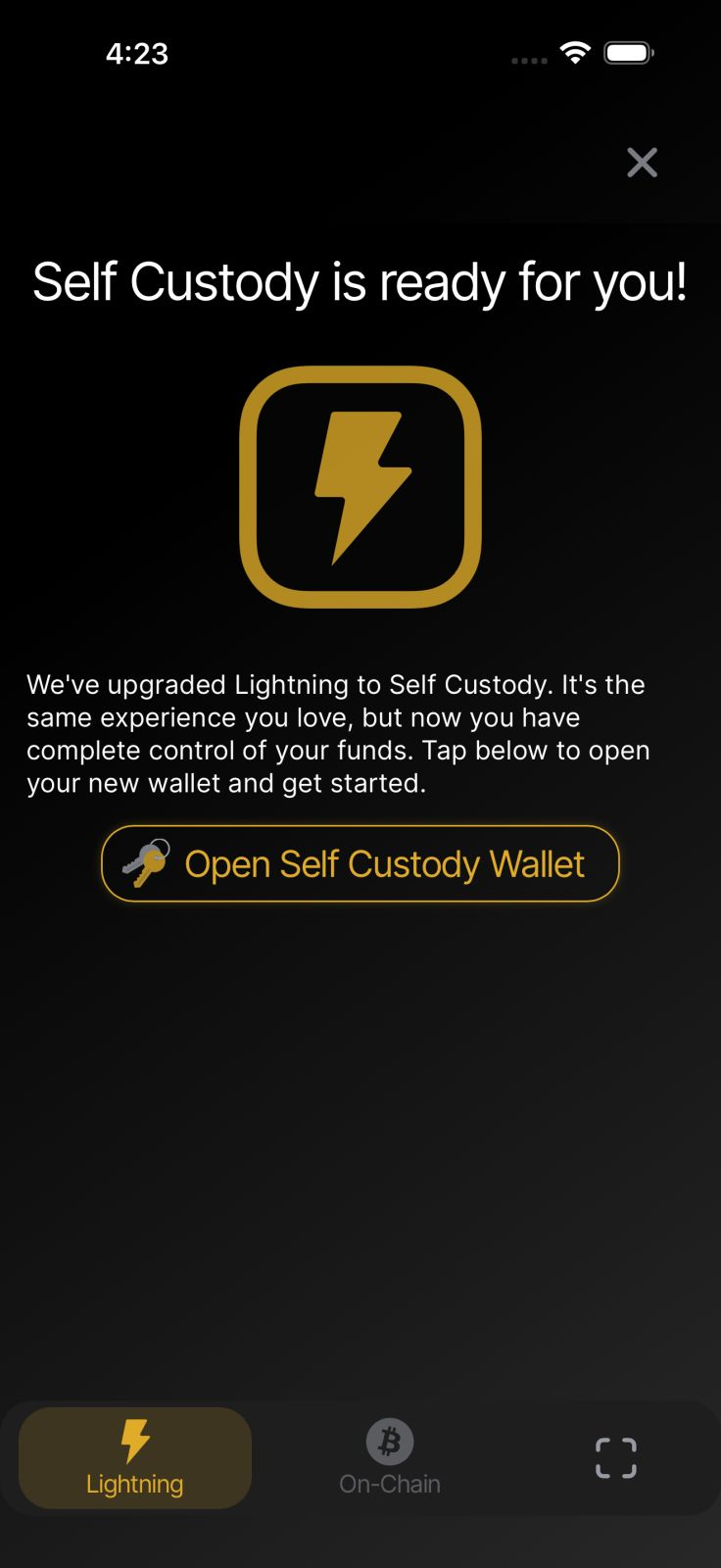
Open the Wallet of Satoshi app and on the receive screen select Open Self Custody Wallet.
Carefully write down your 12-word recovery phrase and store it somewhere safe. Keep the words in the correct order and never share them with anyone. This recovery phrase is the only way to restore your wallet if you lose or replace your device.
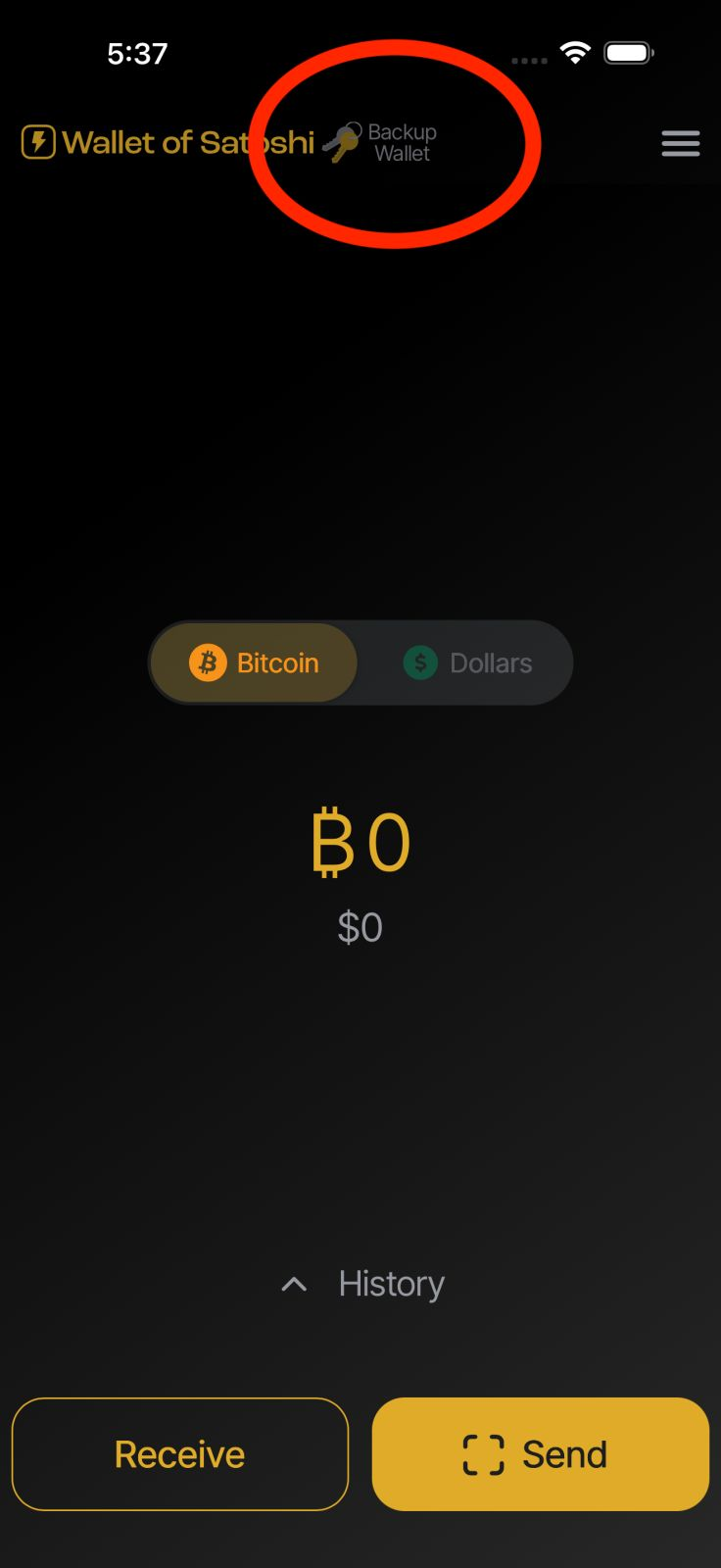
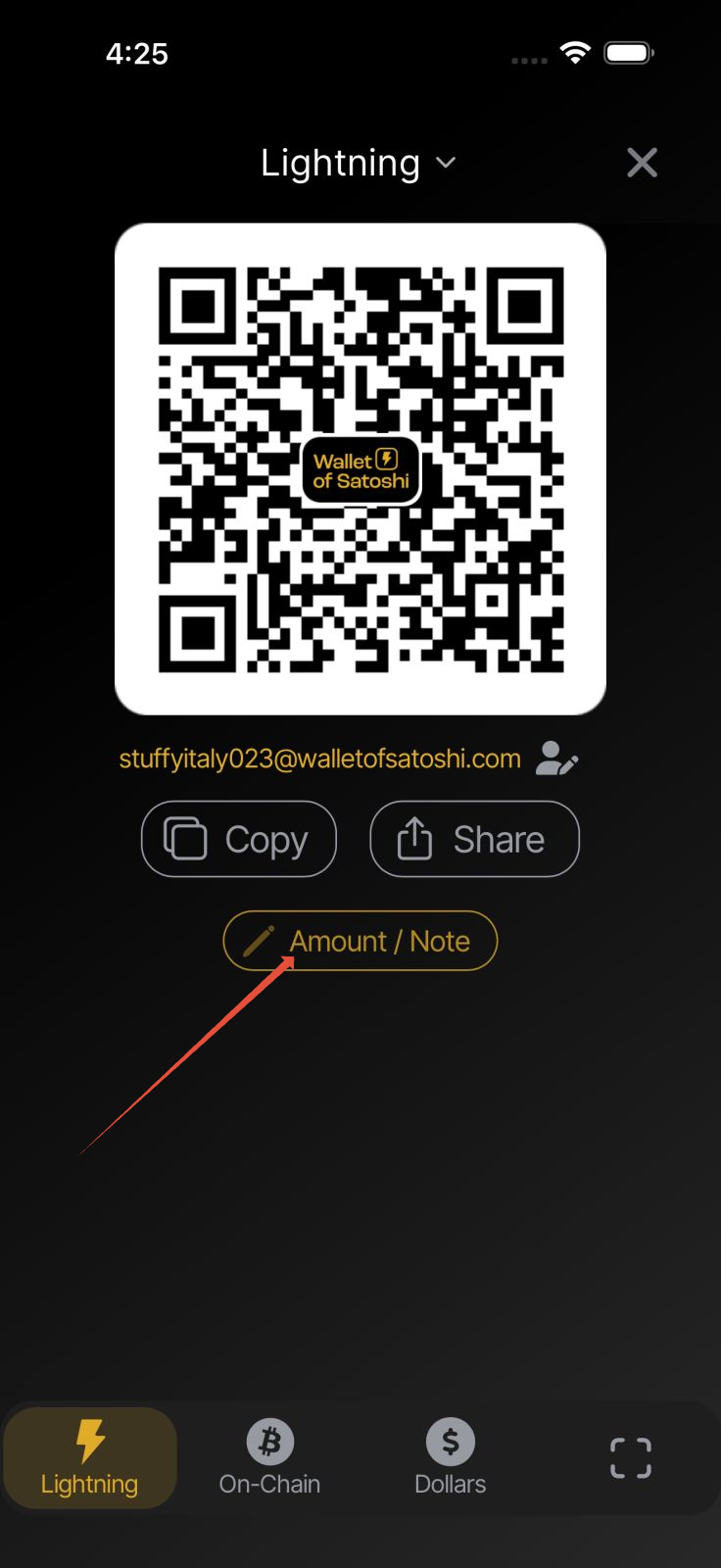
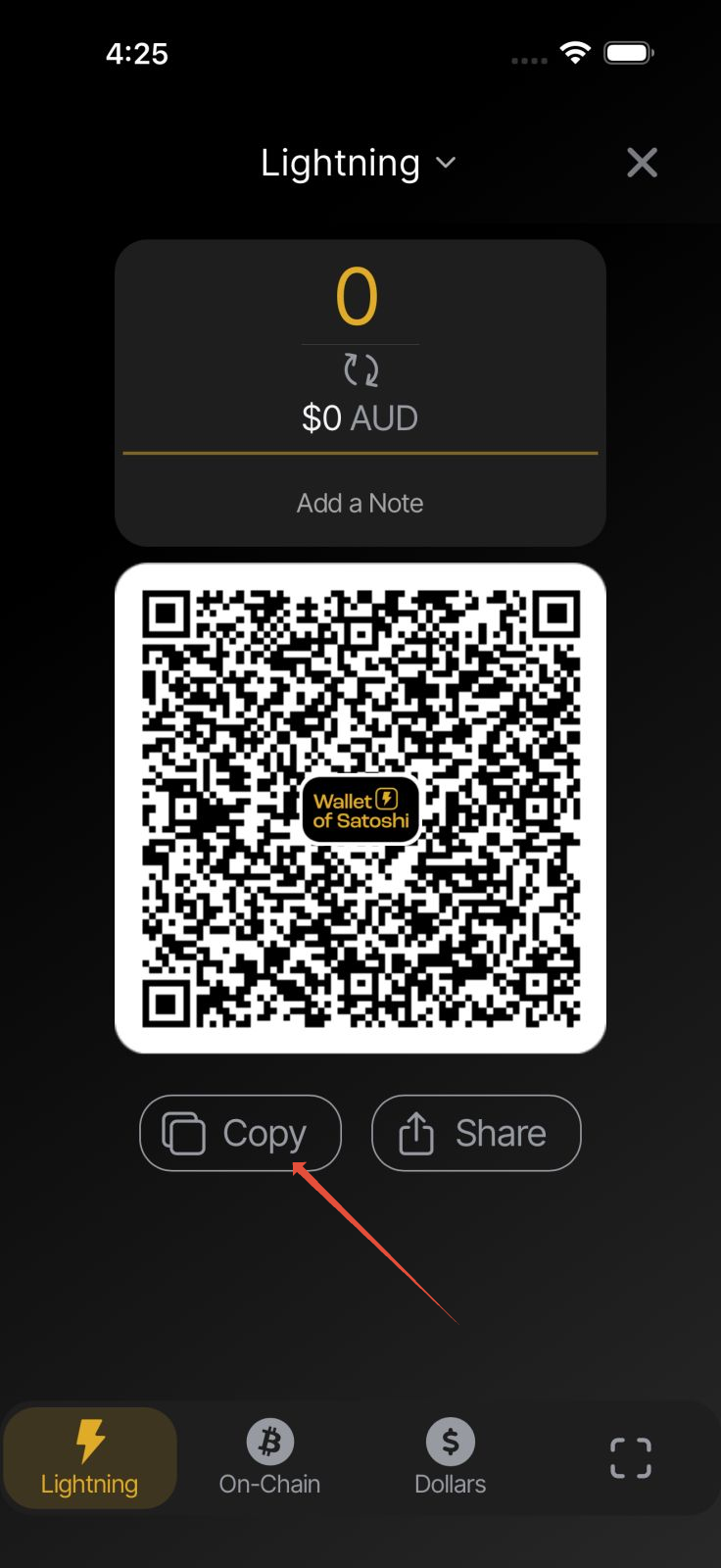
Once your Self-Custody Wallet has been created, press Receive, then press Amount/Note and Copy the invoice shown with 0 amount entered.
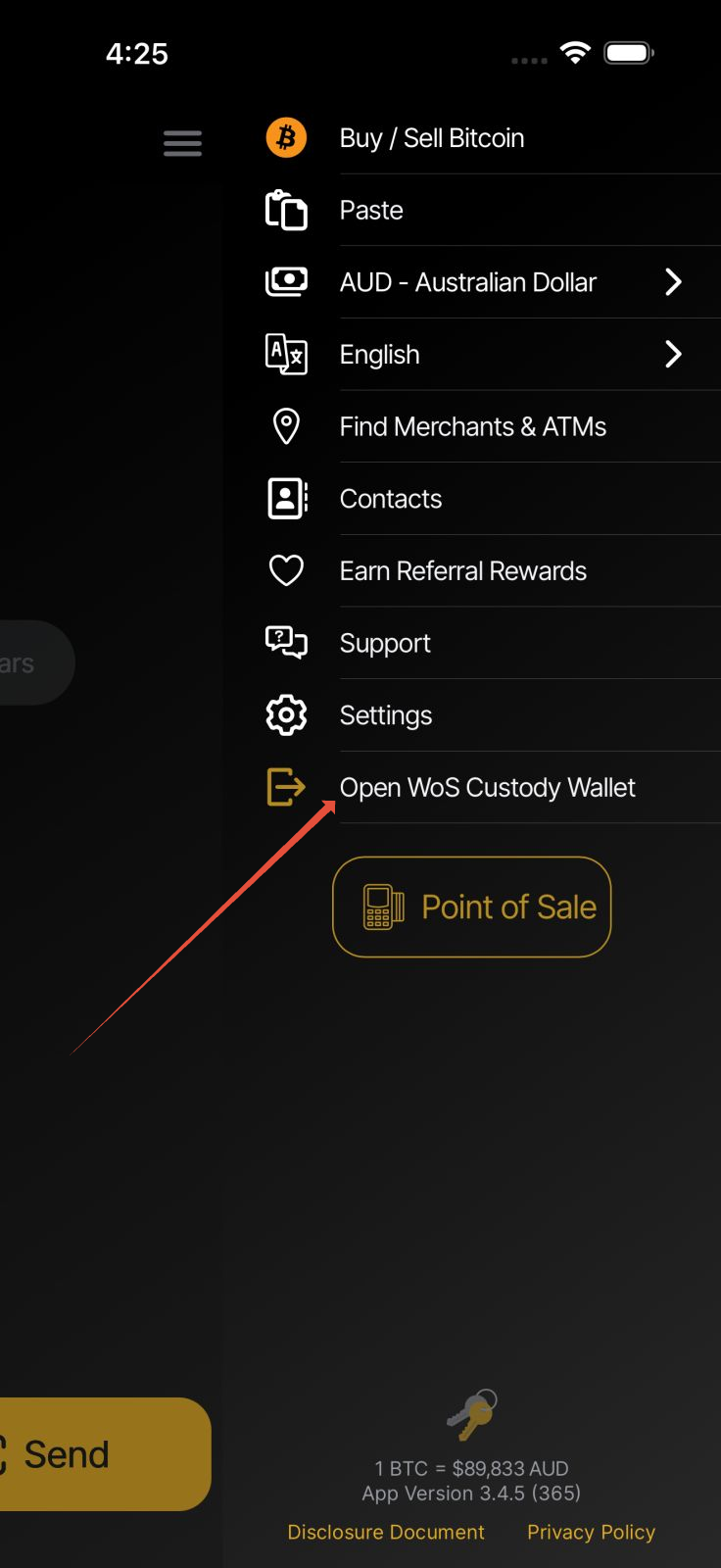
Open the app menu and select Open WoS Custody Wallet.
Press Send and then tap the Clipboard icon to paste the invoice.
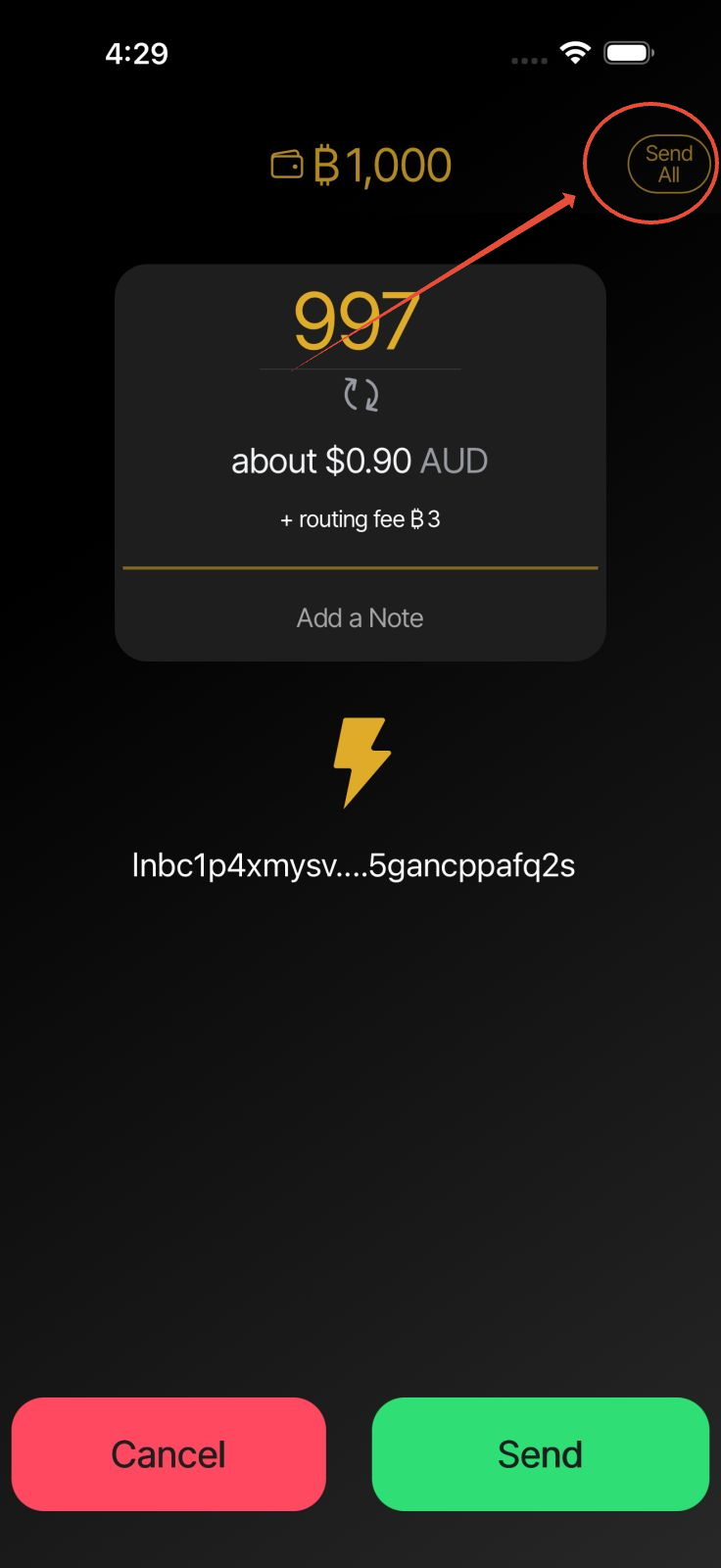
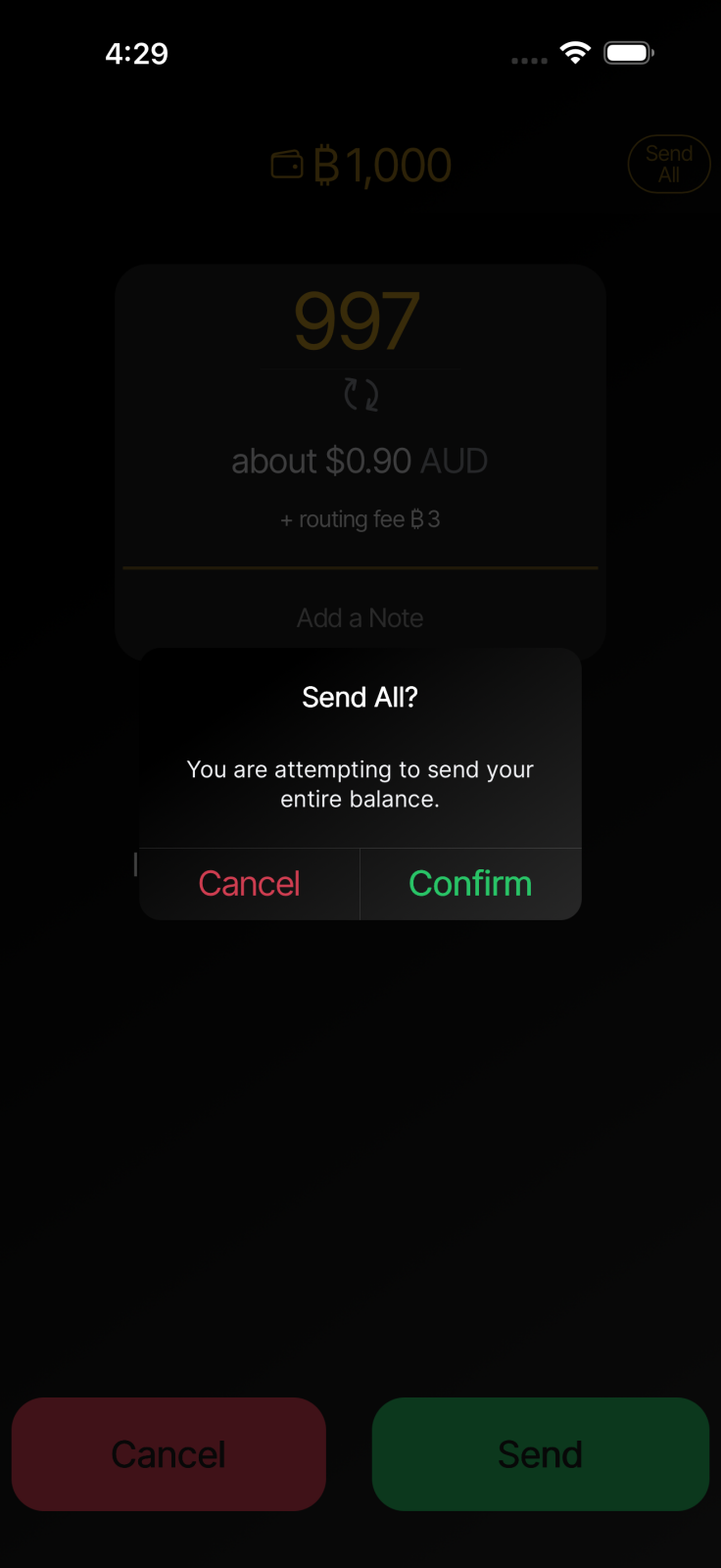
Select Send All - located in the top right corner.
Once the payment is complete, your funds will be available in your new Self-Custody Wallet.
Your funds are now secured by your own recovery phrase, giving you full control of your bitcoin.
Important: Make sure you have safely backed up your 12-word recovery phrase before transferring any funds to your Self-Custody Wallet.
Was this article helpful?
That’s Great!
Thank you for your feedback
Sorry! We couldn't be helpful
Thank you for your feedback
Feedback sent
We appreciate your effort and will try to fix the article